

Event Check-In Best Practices: Kill the Line at the Door
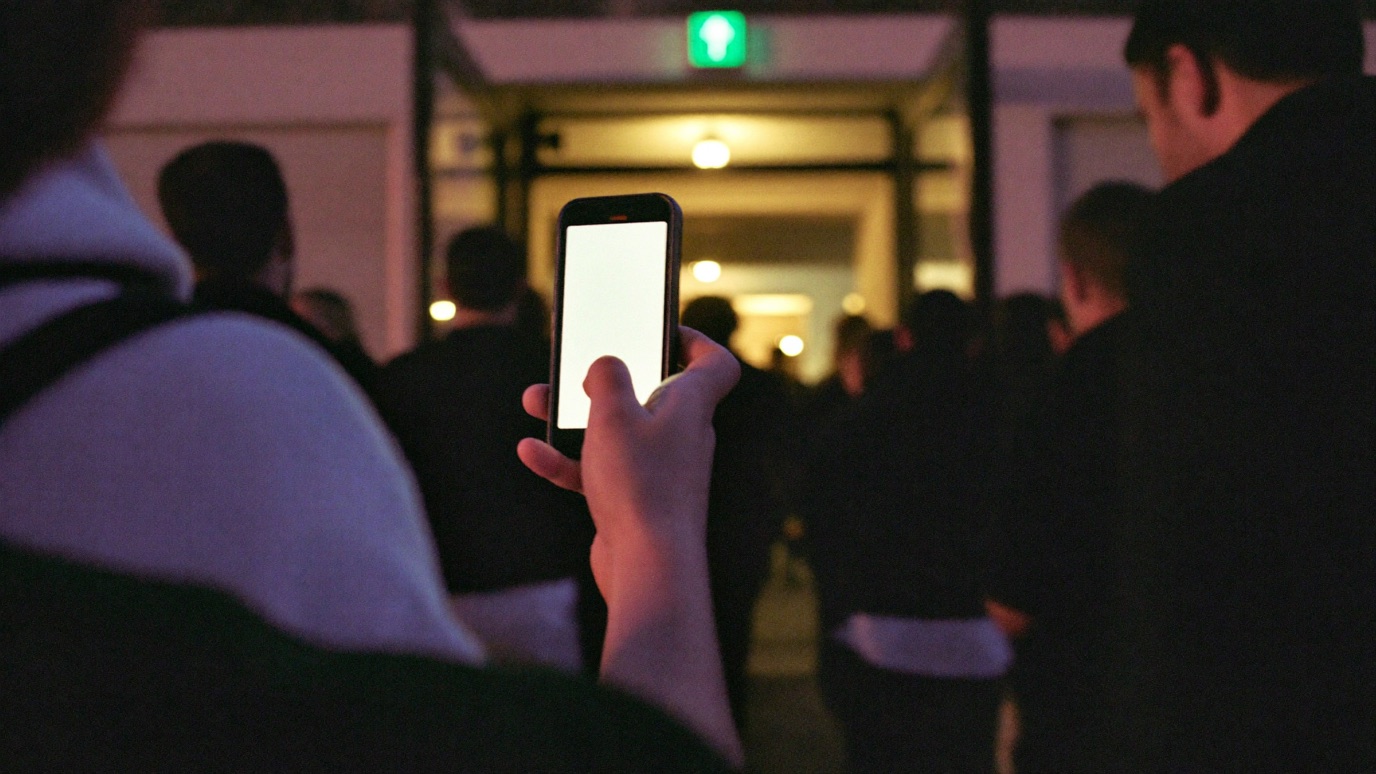
The line at your door is a math problem, not a personality trait of your event. If 400 people arrive in the twenty minutes before showtime and you have two people scanning at six people a minute, you have a twenty-minute wall of angry customers standing on the sidewalk while the opening act plays to a half-empty room. That's not bad luck. It's arithmetic you didn't do.
Check-in gets treated as the afterthought at the end of a long planning cycle, the thing you'll "figure out at the door." It's actually the first live impression every paying guest has of your event, and the one operational failure they'll post about. Nobody tweets that entry was smooth. They absolutely tweet a forty-five-minute line in the cold. The good news is that door throughput is one of the most predictable things you'll plan all week, because it comes down to a formula, a few settings, and staffing to a number instead of a guess.
This is the operator's guide to that door: how many lanes you actually need, how to design them, how to handle the will-call and guest-list mess that clogs everything, what to do when the venue wifi dies, and how to staff it so the line moves and the count is trustworthy. It applies whether you're running a 200-cap club night or a multi-court sports tournament gate.
How many check-in lanes does my event need?
Take your expected peak arrivals, divide by your per-lane throughput, then divide by the length of your peak window in minutes. That's your lane count. The formula is:
Lanes = peak arrivals / (people per minute per lane x peak window in minutes)
The number that trips people up is throughput. A trained scanner using a phone moves roughly 6 to 10 people per minute in ideal conditions, but plan around the low end, because real doors have people digging for a dead phone, screenshots that won't scan, and the occasional will-call problem that stops the lane cold. Six per minute is a safe planning number for general admission.
The other number people get wrong is the peak window. Arrivals are never even. For a show with an 8pm start, most of your crowd hits the door between 7:40 and 8:00, not spread calmly across the evening. Size to that surge, not to the average.
| Peak arrivals | Peak window | Lanes at 6/min | Plan for |
|---|---|---|---|
| 150 | 20 min | 1.3 | 2 lanes |
| 300 | 20 min | 2.5 | 3 lanes |
| 400 | 20 min | 3.3 | 4 lanes |
| 800 | 30 min | 4.4 | 5 lanes |
| 1,500 | 30 min | 8.3 | 9 lanes |
Round up, always, then add one lane as a buffer and a separate desk for will-call and problem tickets so one confused guest doesn't stall a whole scanning line. Two extra minutes of setup beats a line that never recovers, because queues don't catch up: once you fall behind the surge, the wait only grows until arrivals taper.
Move your peak window earlier instead of just adding lanes. Doors at 7pm for an 8pm headliner spreads arrivals across sixty minutes instead of twenty, and an early-entry perk (first drink, merch discount, best rail spots) gives people a real reason to come early. Pulling even a third of your crowd forward can drop your required lane count by a full lane, which is cheaper than hiring another scanner and a lot cheaper than the sidewalk line.
Scan a QR code, don't check a list
The single biggest speed decision is the credential itself. A QR code on a phone scans in under three seconds. Finding a name on a printed alphabetized list takes 10 to 15 seconds when it goes well, and much longer when the name is misspelled, hyphenated, or the guest bought under their partner's email. Multiply that gap across 400 people and the list approach adds close to an hour of standing around.
Sell a digital ticket with a scannable QR code and make the scan the default path for everyone. A proper QR check-in system does three things a printed list can't: it validates the ticket is real and paid, it blocks duplicates so the same screenshot can't walk in twice, and it feeds a live scanned-versus-sold count you can watch in real time. That duplicate blocking matters more than it sounds. Screenshots get forwarded, group buyers send the same PDF to five friends, and without server-side validation you have no way to catch the second, third, and fourth person holding an identical code.
Keep a name-search fallback for the genuine edge cases, the guest whose phone died or who swears they bought a ticket. But that's the exception lane, not the main flow. The mistake is running your whole door on name search because a handful of people will always need it. Scan the 95 percent fast, and route the 5 percent to a dedicated problem desk staffed by someone with the authority to fix it.
The will-call and guest-list problem
Will-call and comps are where a fast door goes to die, because they can't be scanned the same way a normal ticket can, and they're exactly the guests who show up expecting VIP treatment. Solve this before doors, not at them.
The clean version: issue everyone a real scannable ticket, including comps, press, and the guest list. A comp is still a ticket with a QR code, it just cost zero dollars. When your promoter's plus-ones, the headliner's family, and the sponsor's table all carry the same scannable credential as a paying customer, they flow through the same lanes at the same speed, and your scanned count stays honest. The old model of a printed "guest list" that a door person reads down with a pen is the slowest possible path for your most impatient guests. This is the same discipline that keeps comp tickets and guest lists from quietly eating into a room you already sold, and it starts with treating every entry as a scannable credential rather than a name on paper.
Watch your scanned-versus-sold count during the surge, not after. If you sold 500 and you're 40 minutes into doors with only 180 scanned but the room feels full, someone is letting people in unscanned, or a lane's device isn't syncing. A live count is an early-warning system for both theft and technical failure. Assign one person to watch that number on the organizer app and nothing else during peak.
When the venue wifi dies
Assume it will. Convention centers, old theaters, warehouses, and parking-lot gates all have wifi that buckles the moment 500 phones hit it at once, and cell service in a packed basement venue is often worse. If your check-in only works online, a dead connection turns your door into a manual list check at the worst possible moment.
The fix is offline-first scanning. A good scanning app caches the entire guest list onto each device before doors open and validates tickets locally against that cached list, then syncs the scans back up when the connection returns. Download the list to every scanner phone during setup, while you still have a signal, and confirm each device shows the full count. Done right, the wifi dropping is a non-event: lanes keep scanning against the local copy and reconcile later.
The tradeoff worth knowing: pure offline scanning across multiple devices can be slower to catch a duplicate scanned on a different phone, because the two devices haven't synced yet. For most events that risk is tiny and worth taking over the certainty of a frozen door. For high-value or heavily-scalped events, keep devices on the best connection you can arrange (a dedicated hotspot, hardwired if the venue allows) so duplicate blocking stays instant, and treat offline as the fallback rather than the plan.
Design the lanes, not just the count
Lane count gets you most of the way; lane design gets you the rest. A few rules that separate a door that flows from one that clumps:
- Signage before the scan. Have your ticket ready. Screen brightness up. Wristband on your right wrist. People are slow because they're surprised, so a sign twenty feet back that tells them what to do turns fumbling into a smooth handoff.
- Split by ticket type when volume justifies it. A separate GA and VIP entrance, or a dedicated will-call desk, stops a slow transaction in one category from backing up everyone. Below a few hundred people this is overkill; above it, it's the difference.
- One task per person at peak. The scanner scans. A second person handles wristbands or bag check. Combining scan-plus-wristband-plus-ID onto one worker halves that lane's throughput, which is why the 6-to-10-per-minute figure collapses the moment you pile jobs onto the scanner.
The reserved-seating version of this has its own wrinkle, because seated events add a "find your seat" step that GA doesn't. If you're running assigned seats, the door scan and the seat map are two different jobs; the same logic that governs reserved seating for independent venues applies at the door, where an usher with a section map downstream of the scan keeps the entrance itself moving fast.
Staff the door so the count stays honest
Speed is half the job. The other half is that your scanned count, your sold count, and your cash agree at the end of the night. The way you lose that is a shared login and a cash box with no record.
Give each door worker their own scanner PIN on their own phone instead of one shared account. That lets you run four lanes at once, and it ties every scan to a person, so if a count looks wrong you can see which lane and which worker. It also means you're not handing your master login to a volunteer you met an hour ago. For walk-up sales at the door, run them through the same system with tap-to-pay so a door sale lands in the same live count as an online ticket, the same door discipline that keeps a basketball tournament gate from leaking cash during the Saturday-morning rush.
On cost, this is where the platform math quietly matters. Door tools that charge a per-scan or per-device fee punish exactly the high-volume, low-price events that live and die on throughput. At 5% plus payment processing with no monthly SaaS fee and no per-device charge, the same scanning, PIN, and offline features are just part of running the event, not a line item that scales with your door count. And because TickPick is also a marketplace with millions of active buyers, the tickets those scanners are reading were often easier to sell in the first place. Fast entry is the last mile of a sale you already made; the point is not to lose the customer's goodwill in the final thirty feet.
Frequently Asked Questions
How many check-in lanes does my event need?
Divide your expected peak arrivals by your throughput per lane times the length of your peak window in minutes. A trained scanner processes about 6 to 10 people per minute, so plan around 6. If 400 people show up in the 20 minutes before an 8pm start, that's 400 divided by (6 times 20), which rounds up to about 4 lanes. Add one more lane as a buffer and a separate line for will-call and problems.
How fast can you scan tickets at a door?
A clean QR scan takes under three seconds, versus 10 to 15 seconds to find a name on a printed list and far longer for manual entry. In practice a phone-based scanning lane moves roughly 6 to 10 people per minute once you account for people fumbling for their phone, dead screens, and the occasional problem ticket. Plan for the real-world number, not the ideal one.
What if the venue wifi goes down during check-in?
Use a scanning app that caches the full guest list on the device and validates offline, then syncs when the connection returns. Download the attendee list to every scanner phone before doors, and never rely on venue wifi as your only path. Keep one lane able to check people in against the cached list so a dead connection slows you down instead of stopping you.
Check-in is arithmetic, not luck. Count your peak arrivals, divide by six people per minute per lane and your peak window, round up, and add a buffer lane plus a will-call desk. Make the QR scan the default for everyone including comps and guest list, keep name search as the exception, and run offline-first so dead venue wifi slows you instead of stopping you. Then protect the count with a scanner PIN per worker and tap-to-pay walk-ups. Do that and the line disappears, which is the only door metric your customers actually feel.
Related Posts
How to Stop Scalpers at Your Event
You can't make an event scalper-proof, but you can make your tickets a bad target. Here's what actually works, from a company that grew up in resale.
Door Sales Done Right: The Box Office Guide for Independent Events
For club nights and comedy shows, a large share of tickets still sell at the door, and that's the leakiest cash in your whole operation. Here's how to price it, take cards, and keep the count honest.
Event Permits and Insurance: What US Organizers Need
A permit costs less than you fear and takes longer than you think. Here's which events trigger one, what the paperwork actually runs, and the insurance a venue will make you carry.